Endoscope Camera Connector
FastSoft
Downloads
100,000+
Source
Google Play
Advertisement
Click to download now, finish the installation quickly, and directly unlock the all-round experience
Advertisement
Screenshots
Click to download now, finish the installation quickly, and directly unlock the all-round experience
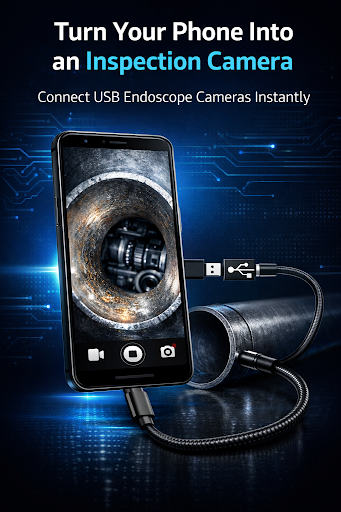
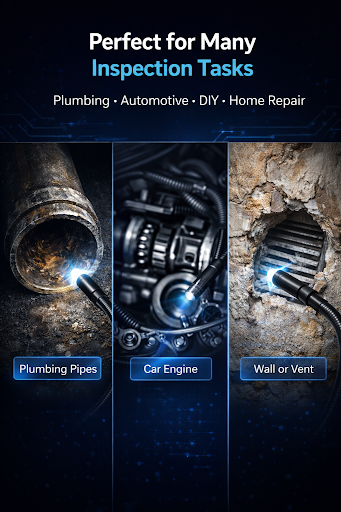
Endoscope Camera Connector lets you view a live feed from a compatible USB endoscope or borescope on an Android phone or tablet. It is for jobs where a regular camera cannot reach, such as looking inside a pipe, behind a wall, or into a vehicle component. The app is published by FastSoft and listed in Libraries & Demo. Its 3.6-star rating is based on 7,707 ratings, and it has 100,000+ installs.
You need a USB endoscope that works with the app, a USB OTG adapter, and an Android device that supports USB host connections. The app includes a check for OTG support, which can help identify a limitation before you try to use the camera. It also provides setup and troubleshooting guidance if the camera is not detected. These checks cannot make an unsupported phone or camera compatible.
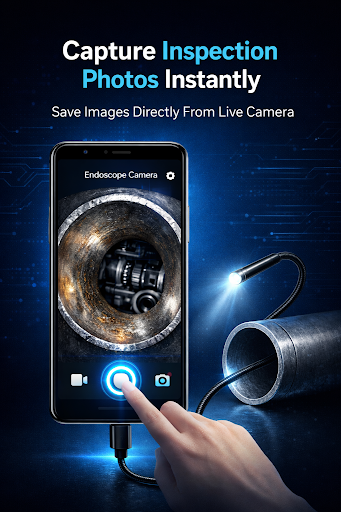
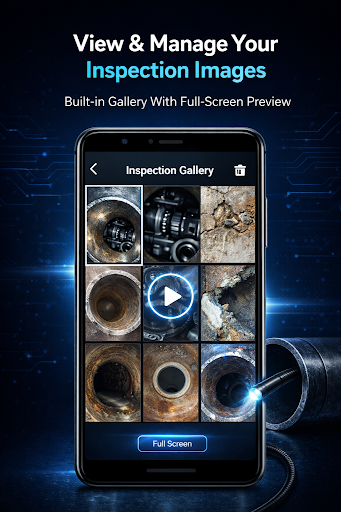
Once connected, the app displays the camera’s live view. You can take photos during an inspection and find them later in the app’s image gallery. Captures are saved in an Endoscope Camera folder, so they remain available for review after the live session. The gallery supports full-screen viewing and deleting images.
Available controls include resolution selection, brightness adjustment, and options to mirror or flip the image. These can help when the camera is pointing in an inconvenient direction or the view needs adjusting. If you only need to see a live feed and take occasional inspection photos, the gallery and extra controls may not matter much; the essential requirement is still a working OTG connection and compatible camera.