
Pillow Chase Home App
Hadiz Studio
Downloads
5,000,000+
Source
Google Play
Advertisement
Click to download now, finish the installation quickly, and directly unlock the all-round experience
Advertisement
Screenshots
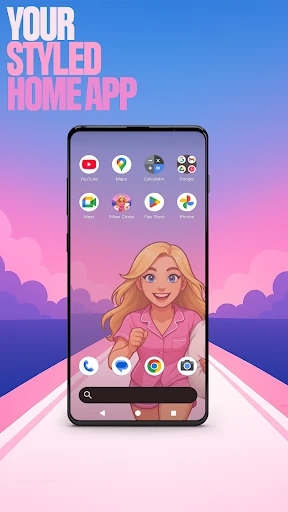
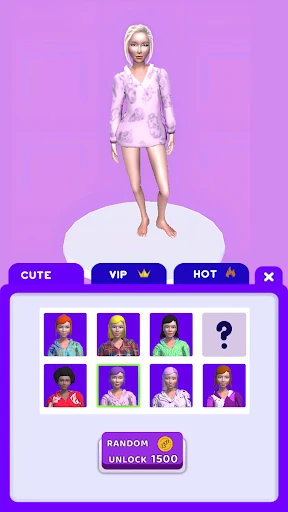

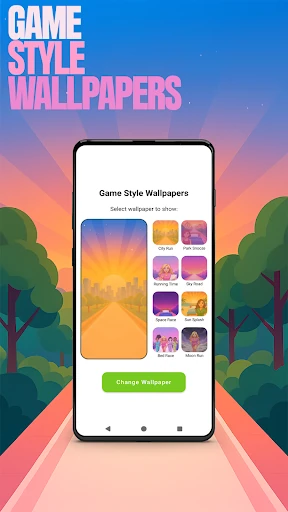

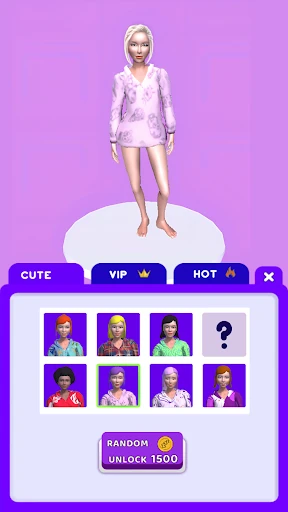
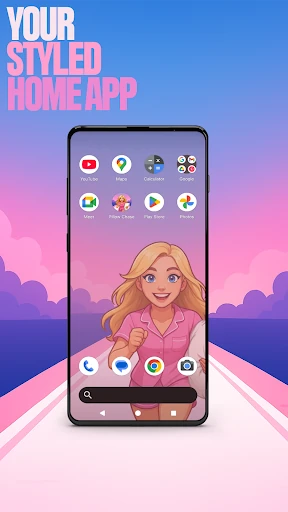

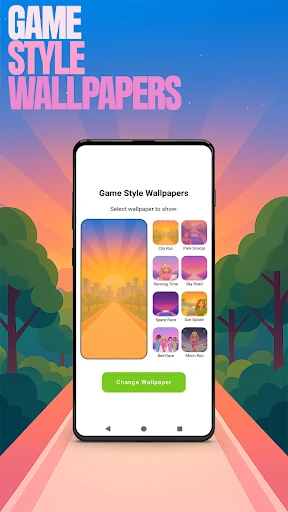
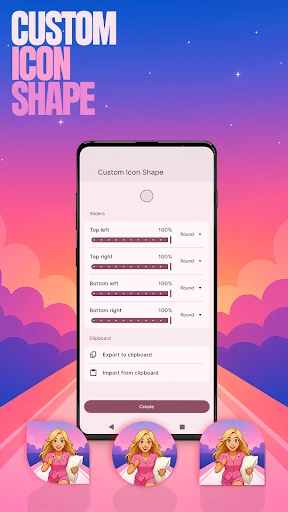
Click to download now, finish the installation quickly, and directly unlock the all-round experience
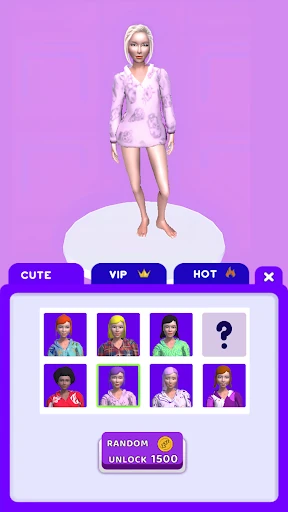
Pillow Chase Home App is an Android launcher with a casual Pillow Chase game alongside its home-screen tools. It suits people who want a playful look and quick access to a game, rather than a strictly minimal home screen. The app is from Hadiz Studio and has a 4.46 rating from 30,606 reviews, with 5,000,000+ installs.
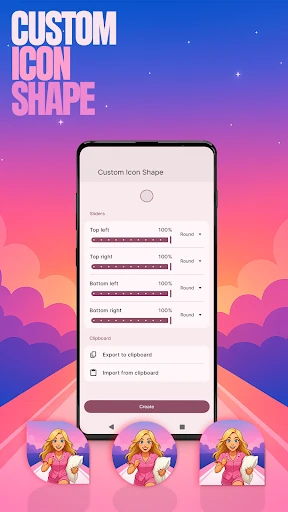
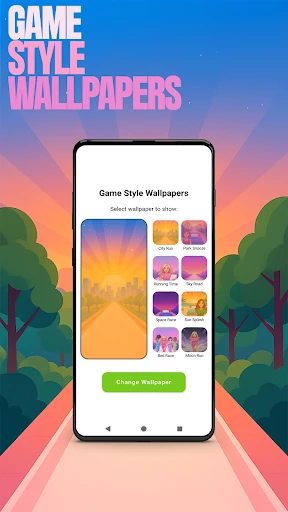
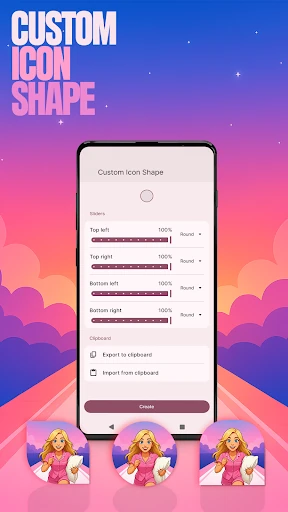
You can change icon shapes, choose game-themed wallpapers and adjust the interface’s accent color. These options are for appearance: they can make the launcher feel more coordinated, but they do not change what your other apps do. If you already like your current wallpaper and icons, you can leave these settings alone.
The launcher offers gesture controls, so swipes or taps can be set to open actions such as the app drawer or settings. This can save a step if you use those actions often; otherwise, the standard way of opening them is fine.
There is also an option to hide apps from the app drawer. That can reduce clutter or keep an app out of casual view, but hiding is not the same as locking it or protecting its contents. Don’t rely on this setting to secure private information.
To use Pillow Chase as your home screen, you need to select it as the device’s home app. The built-in game is an extra, not a requirement for using the launcher’s appearance and navigation settings. If you only want a game, or prefer your phone’s existing home screen, the launcher features may not be useful to you.